



Making a story
Characters, photos and Face Match
How to put your child in the story, keep them looking like themselves on every page, and add siblings or a pet.
آخر تحديث 04/11/2026قراءة 2 د
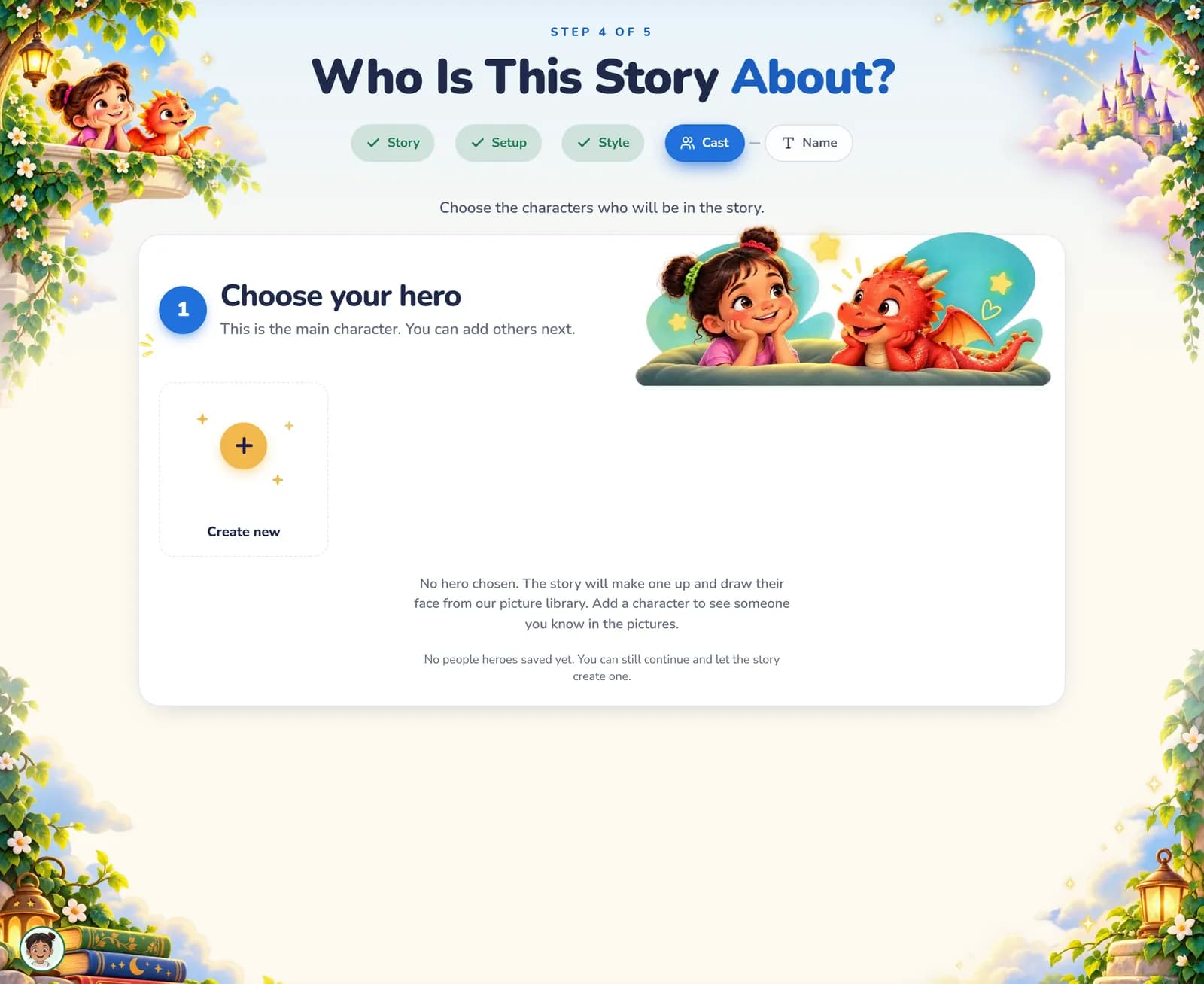
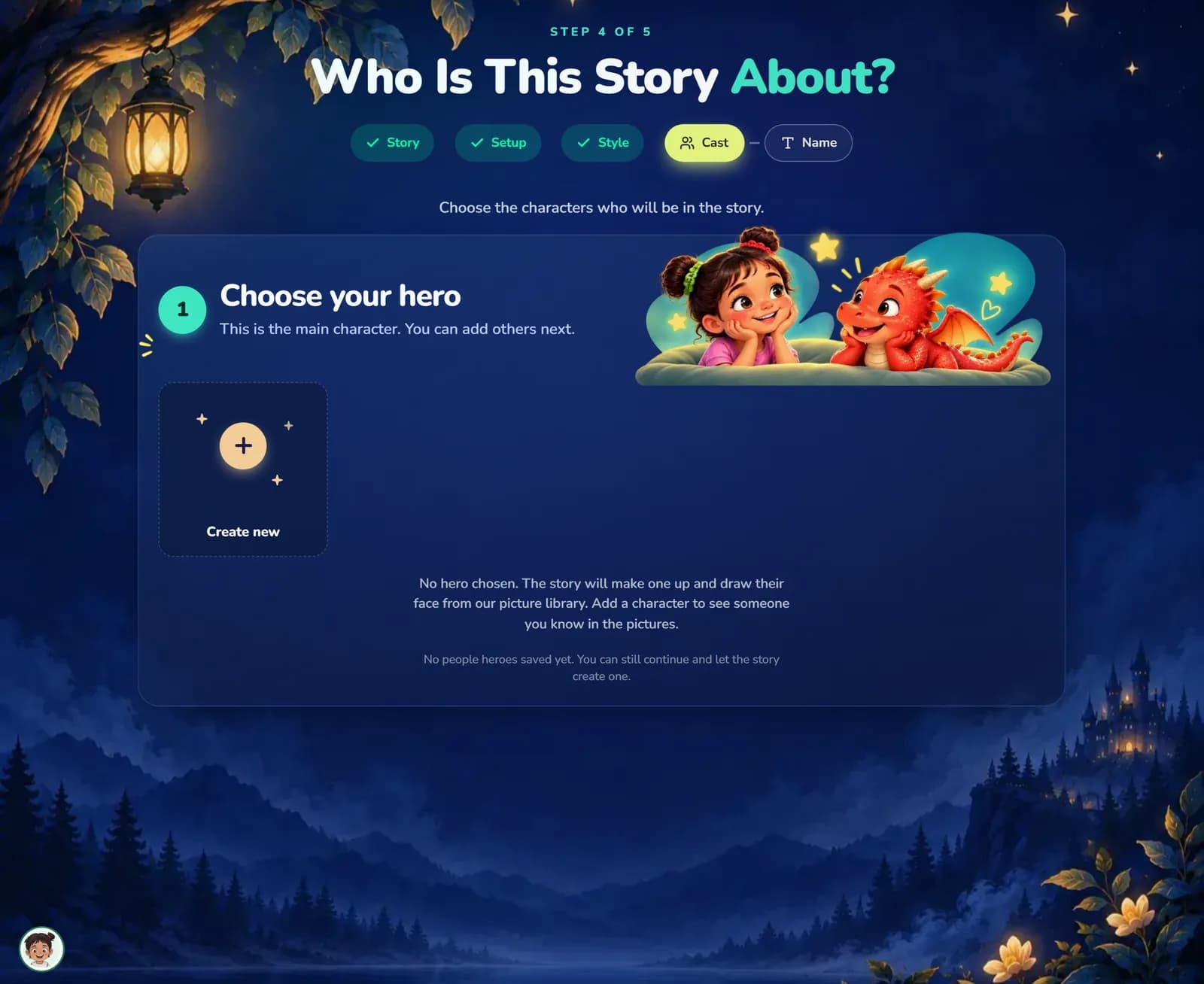
The Who Is This Story About? step is the cast. Choose someone you have already made, or choose Create new.
Make a character
In the character editor you give a name, an age and a short description. Add a photo if you want the character to look like a real person. A saved character is kept, so you can put them in the next book without starting again. On the quick start, the Ready to create screen offers your saved characters.
Face Match
Face Match keeps a real person’s likeness in every illustration. Turn it on when you add a photo. It works for up to four characters in one book, and the counter on the cast step shows how many you have used.
Siblings, friends and pets
Add them as more characters. Each character after the first adds 1 coin to the book. Up to four characters can be in the cast. They appear by name and look the same on every page.
Characters the story invents
If the story needs a character you did not add — a shopkeeper, a grandmother, a talking fox — it invents one, and gives them a new face for that book. The review screen lists everyone in the book by name, before any page is painted.
جرّب هذه الخطوات
 جرّب هذه الخطوات
ابدأ بالخطوة الأولى، فالخطوات مرتّبة لمعالجة الأسباب الأكثر شيوعًا أولًا.
The hero does not look enough like your child
Add a photo and turn on Face Match when you create the character. The pictures are then built from that face, instead of being imagined fresh for each page.
Open the create pageThe hero changed between pages
This happens when an outfit or a hair detail is described differently in different places. Editing the character and making the book again is the reliable fix. Re-drawing a single page can drift again.
You do not want to upload a photo
You do not have to. Describe your child instead — hair, clothes, things they love — and the character will be drawn from that description. It will look like a child of that description, not like a photograph.
هل كان هذا مفيدًا؟
اقرأ أيضًا
 اقرأ أيضًا
- Ways to start a storyThe idea box, People, Creatures, Real Memory, Your Own Story and more: what each one is for.
- A photo could not be uploadedThe photo types and sizes we accept, and what to do with a phone photo that is too large.
- Set up profiles for your childrenOne parent account, a profile for each child, and one family PIN so only a grown-up can switch back.