Start here
A tour of the story wizard
What each step controls, so you know which one to go back to when something is not quite right.
آخر تحديث 04/11/2026قراءة 2 د
This is the full wizard. It opens from More options, or when you start another way. If a finished book is not quite right, the fix is almost always one specific step, not the whole book.
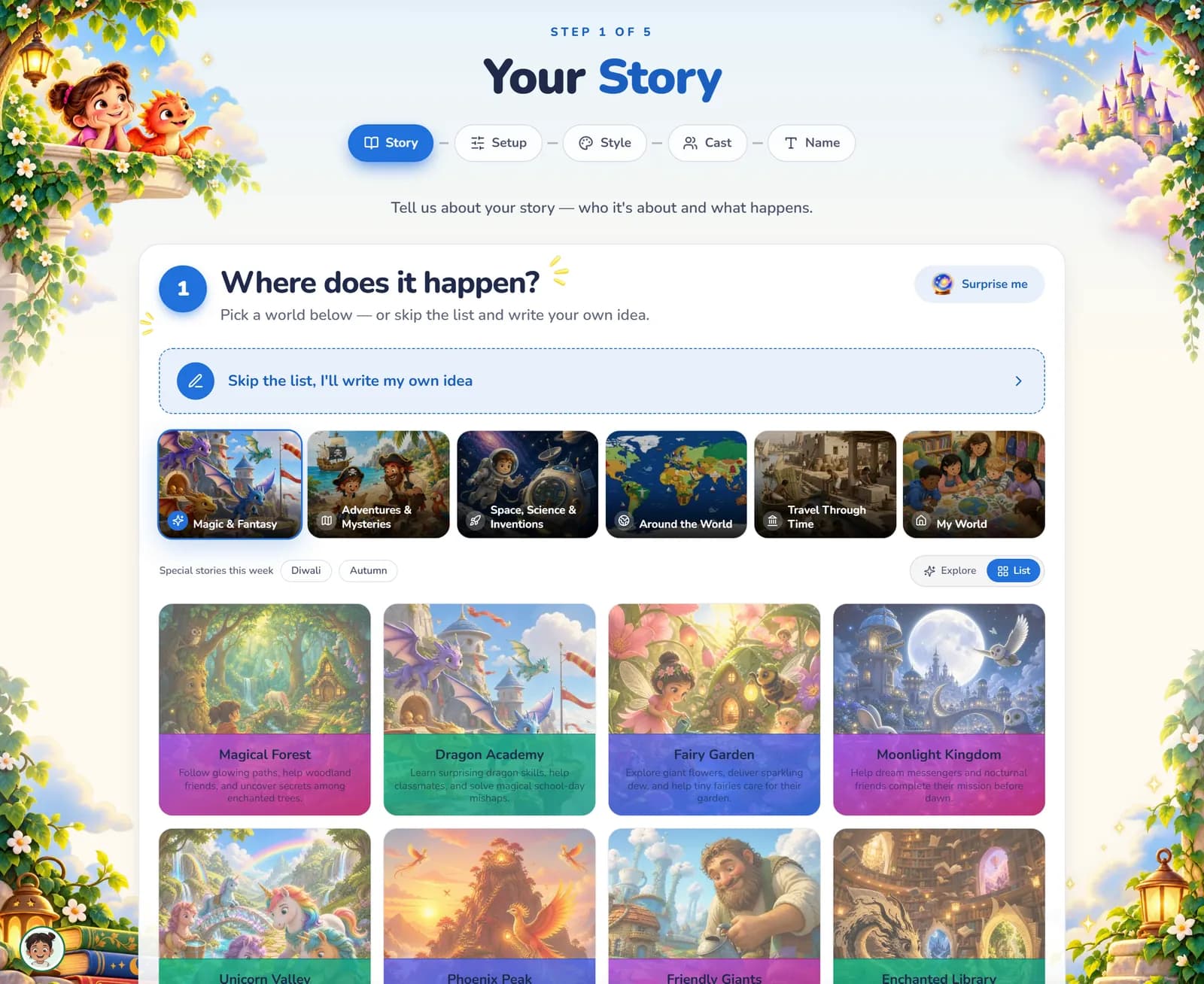
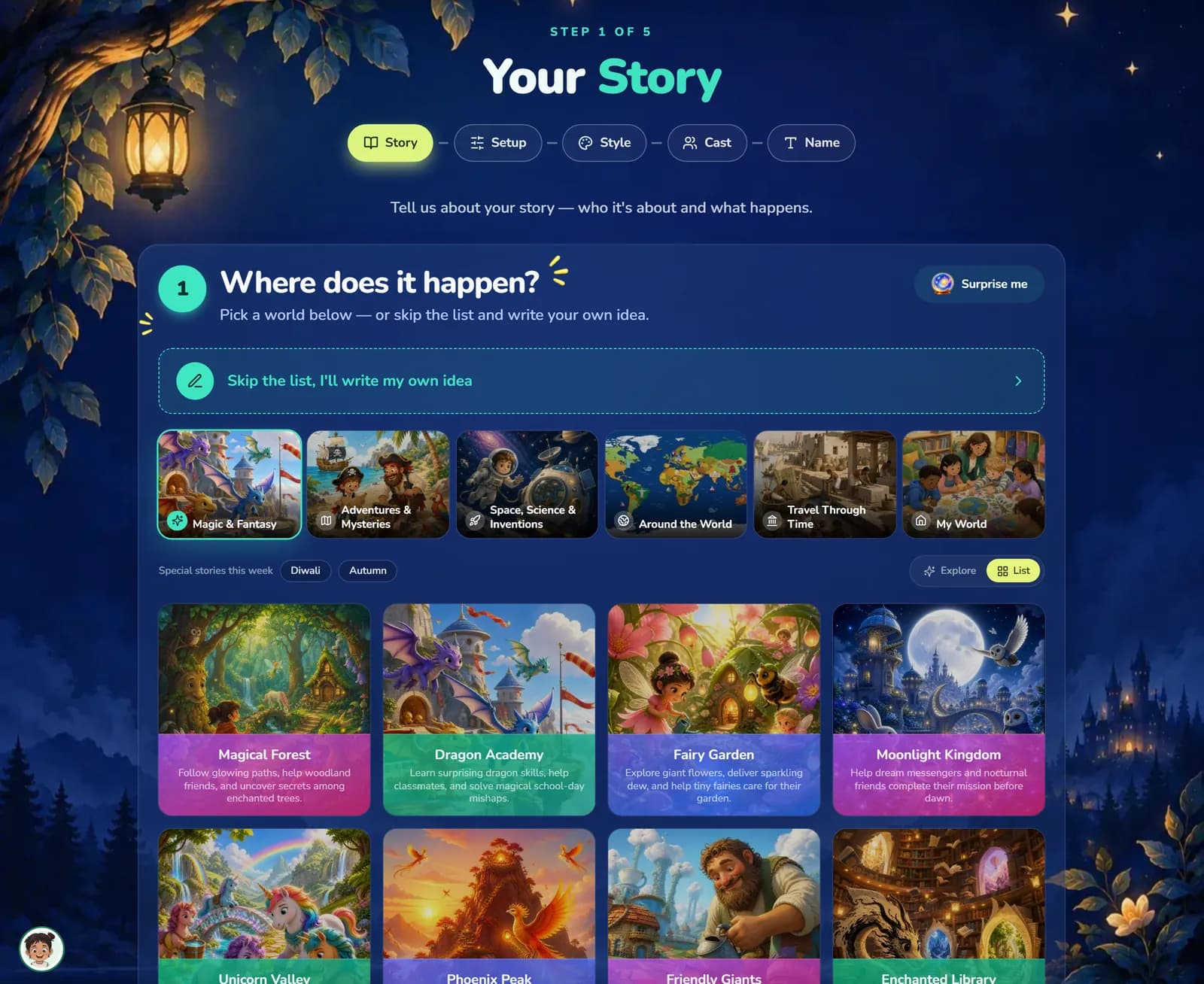
Step 1 — Your Story
Pick how the story starts, then the reading level, the length of the book and the story language. The next screens ask Where does it happen? — choose a world, tap Surprise me, or skip the list and write your own idea — and What happens there?, where you can add as much or as little as you like.
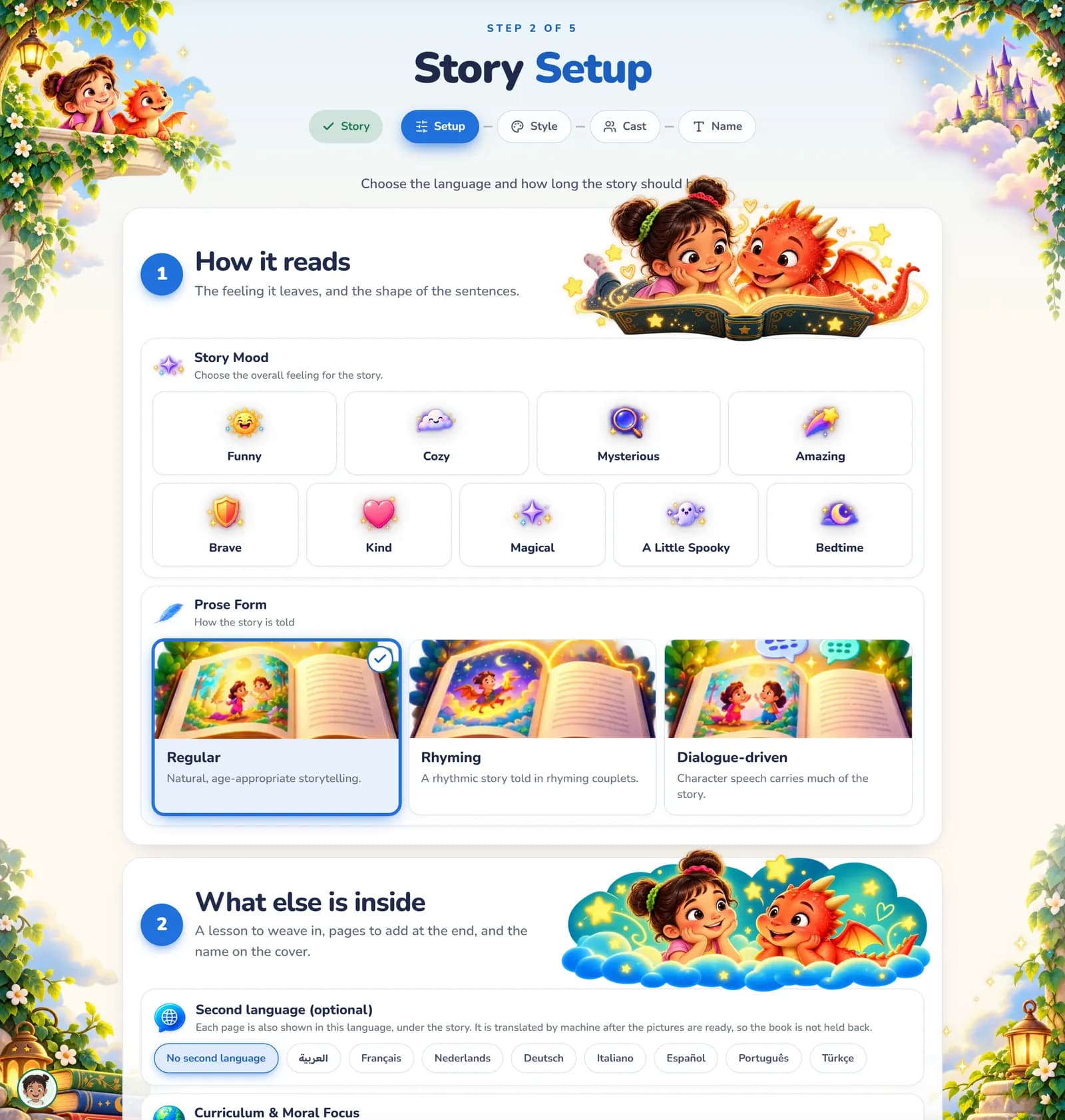
Step 2 — Story Setup
Under How it reads, the mood and the writing style. Under What else is inside, a second language, a moral, a quiz or a word list, and the name on the cover.

Steps 3 to 5 — Look, cast and title
- Pick An Art Style — the look of every picture. Changing it later means making the book again.
- Who Is This Story About? — the characters, and whether any of them should look like a real person.
- Name Your Story — the title on the cover.
After you generate
Generation runs in the background, so you can leave the page. The words come first and wait for you. Read them, edit anything, including the title, and choose Looks good — illustrate it when you are happy. You can ask for a fresh version 2 times at no charge, and if you do nothing the story is approved for you after 24 hours. Then the pictures are painted and the book appears in your library.
هل كان هذا مفيدًا؟
 اقرأ أيضًا