
Coins & plans
Pause, cancel or manage your plan
Where to pause a plan, cancel it, and see your card and receipts — and what happens to your coins.
Updated Sep 29, 20261 min read
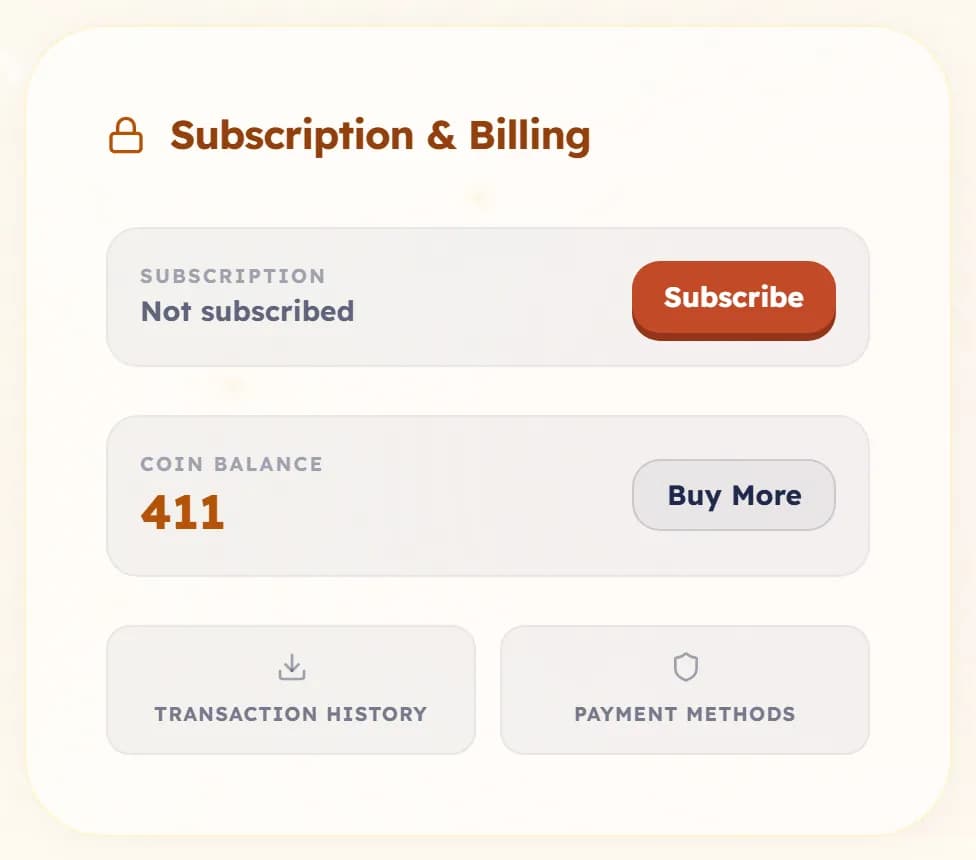
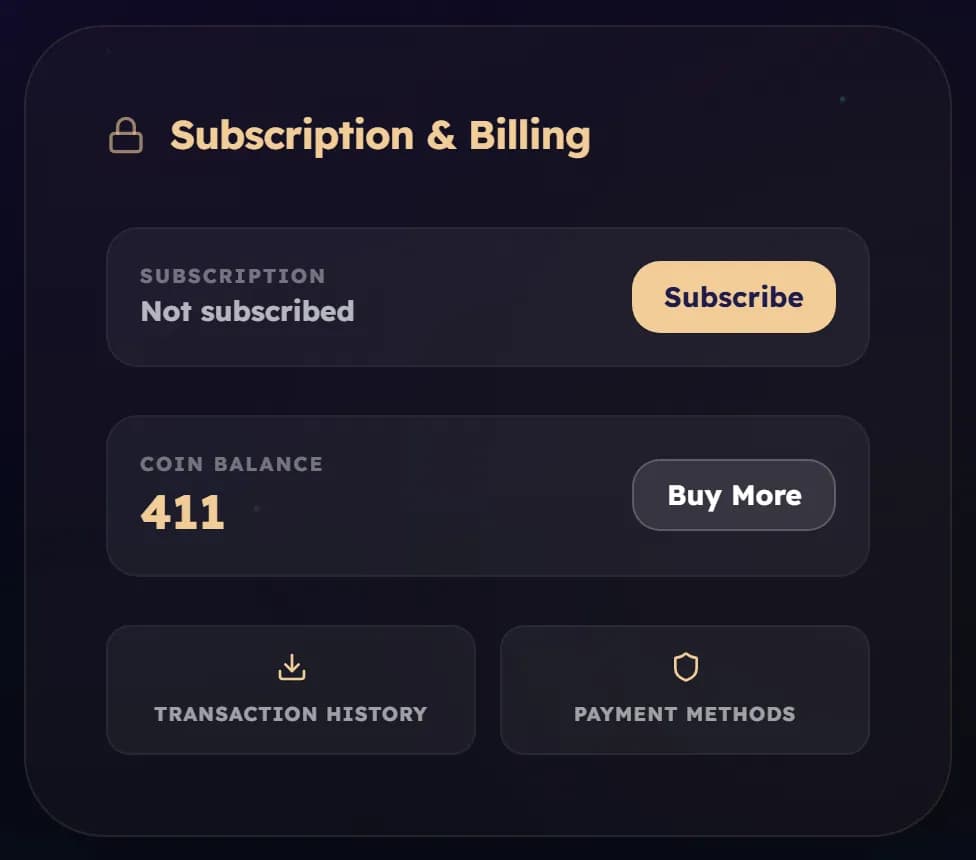
Everything about your plan is in Settings, in the Subscription & Billing card.
Pause instead of cancel
If you only need a break, pause. Choose 1, 2 or 3 months. Your coins and books stay, and billing starts again by itself. Pausing is available on monthly and 3-month plans. To end a pause early, choose Keep my plan.
Cancel
- Open Settings and find Subscription & Billing.
- Choose Cancel subscription. You will be offered a pause first.
- Confirm with Yes, cancel.
- The coins you already have stay yours.
- On a 3-month or yearly plan, the cancellation takes effect when the term ends.
- Coins already paid for but still on the way keep arriving every month.
- Cancelling does not refund the period you have already paid for.
- Changed your mind before the end? Choose Keep my plan and nothing changes.
Card and receipts
Choose Payment methods to change your card and to download receipts. It opens our payment provider’s secure page. To move to a different plan, cancel the current one and choose the new one on the Wallet & Coins page.
Was this helpful?
Read next
- Plan or coin pack?A plan gives you coins every month at a better rate. A pack is a one-off top-up. You can use both.
- How coins workCoins pay for books. Here is where they come from, where you see them, and why they never run out on you.
- I think I was charged twiceCompare your coin history with your card statement, and the normal reasons a payment can look doubled.