Making a story
Naming your story
Choose the title yourself or let Lolo suggest one, and decide whose name goes on the cover.
Updated Sep 29, 20261 min read
The last step of the wizard is Name Your Story. You have two choices.
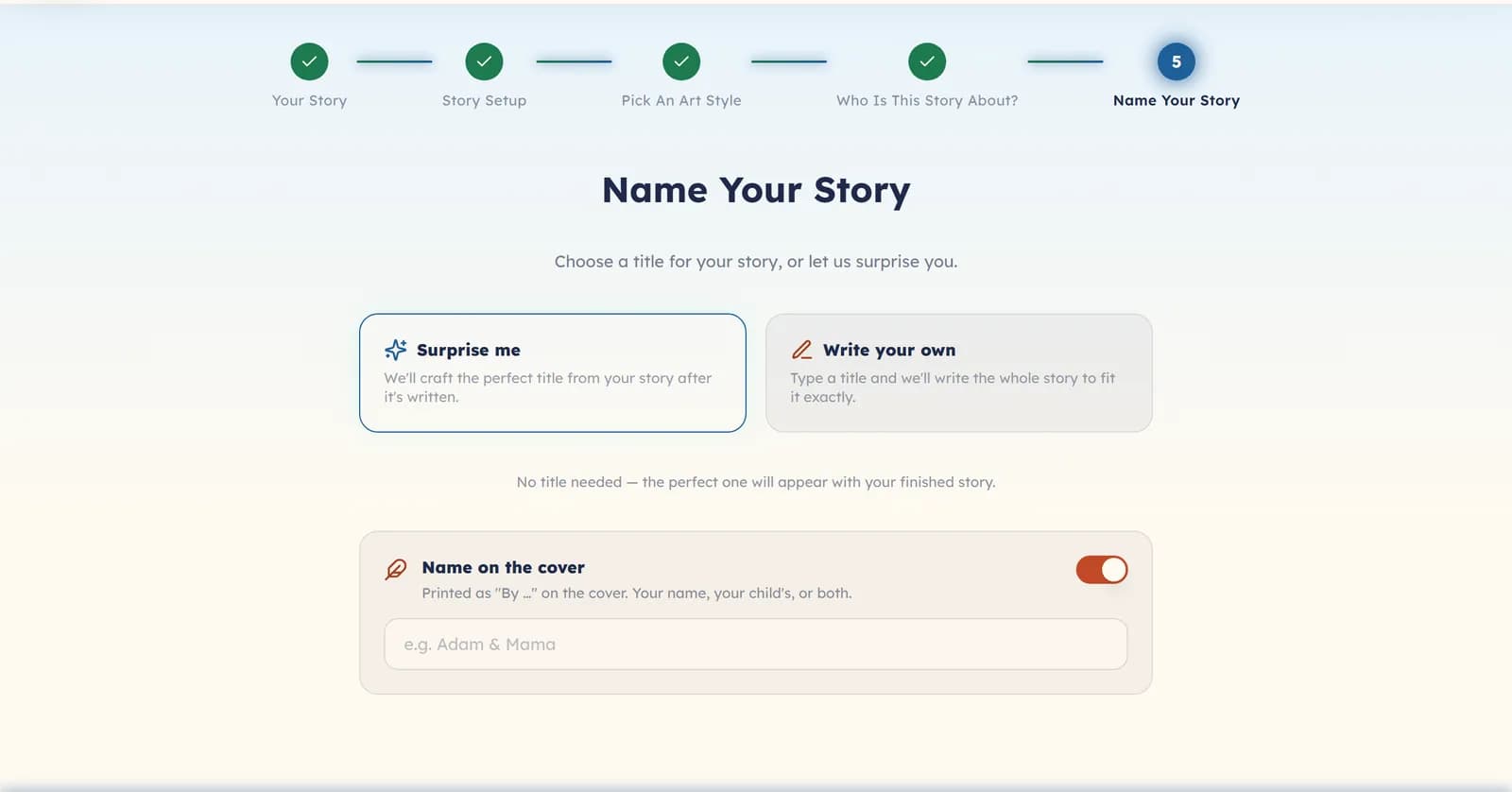
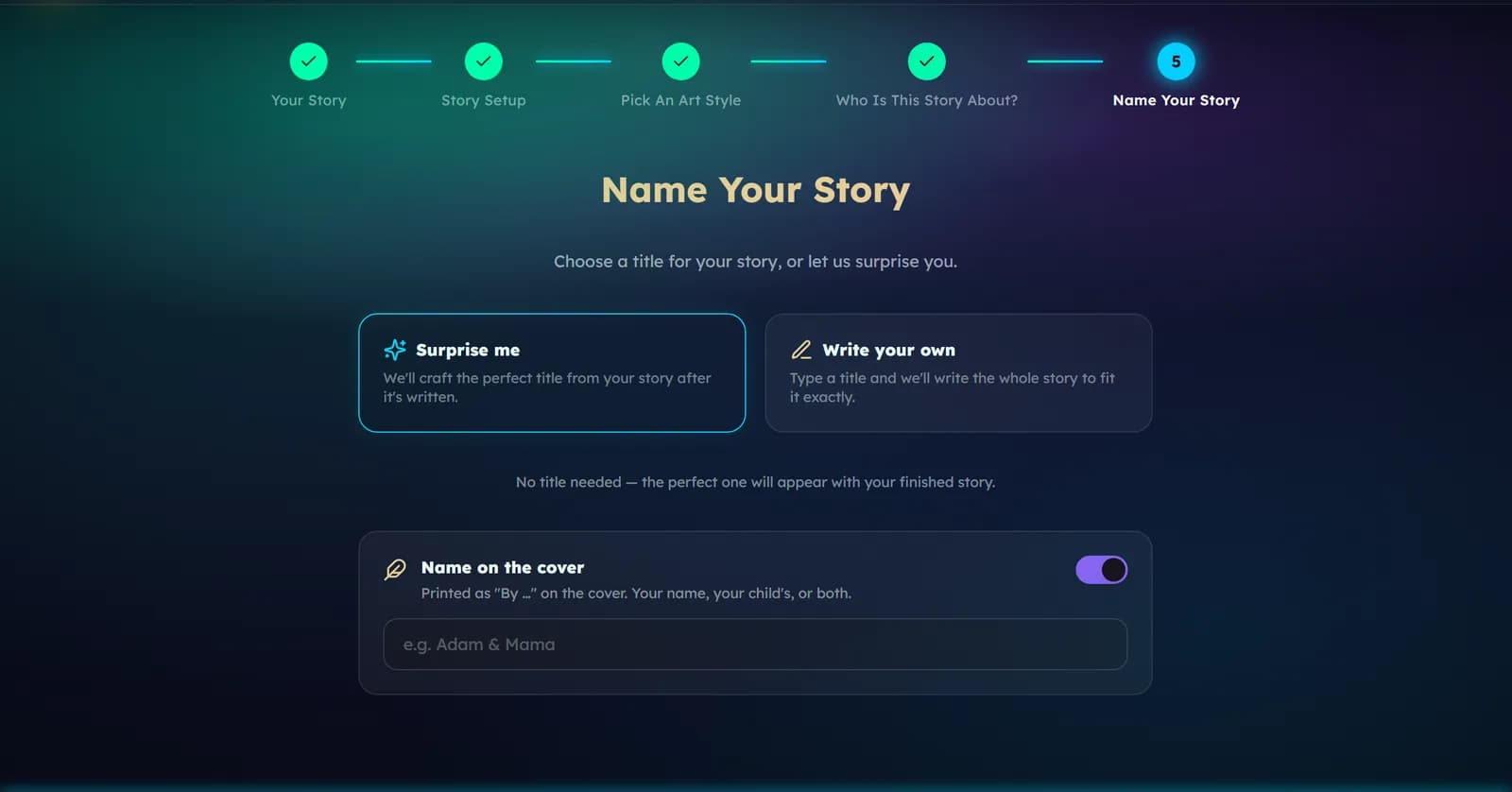
- Surprise me — Lolo reads the story you have planned and suggests a title once it is written. You can still choose a different one from a short list.
- Write your own — type the title you want. Your title is used exactly as you write it.
Name on the cover
The Name on the cover switch prints “By” and a name under the title — a parent, a grandparent, or the child. Use the field to choose the name. Your default is set in Settings, under Name on your books.
Was this helpful?