Start here
A tour of the story wizard
What each step controls, so you know which one to go back to when something is not quite right.
Updated Sep 29, 20261 min read
The wizard reads left to right. If a finished book is not quite right, the fix is almost always one specific step, not the whole book.
Step 1 — Your Story
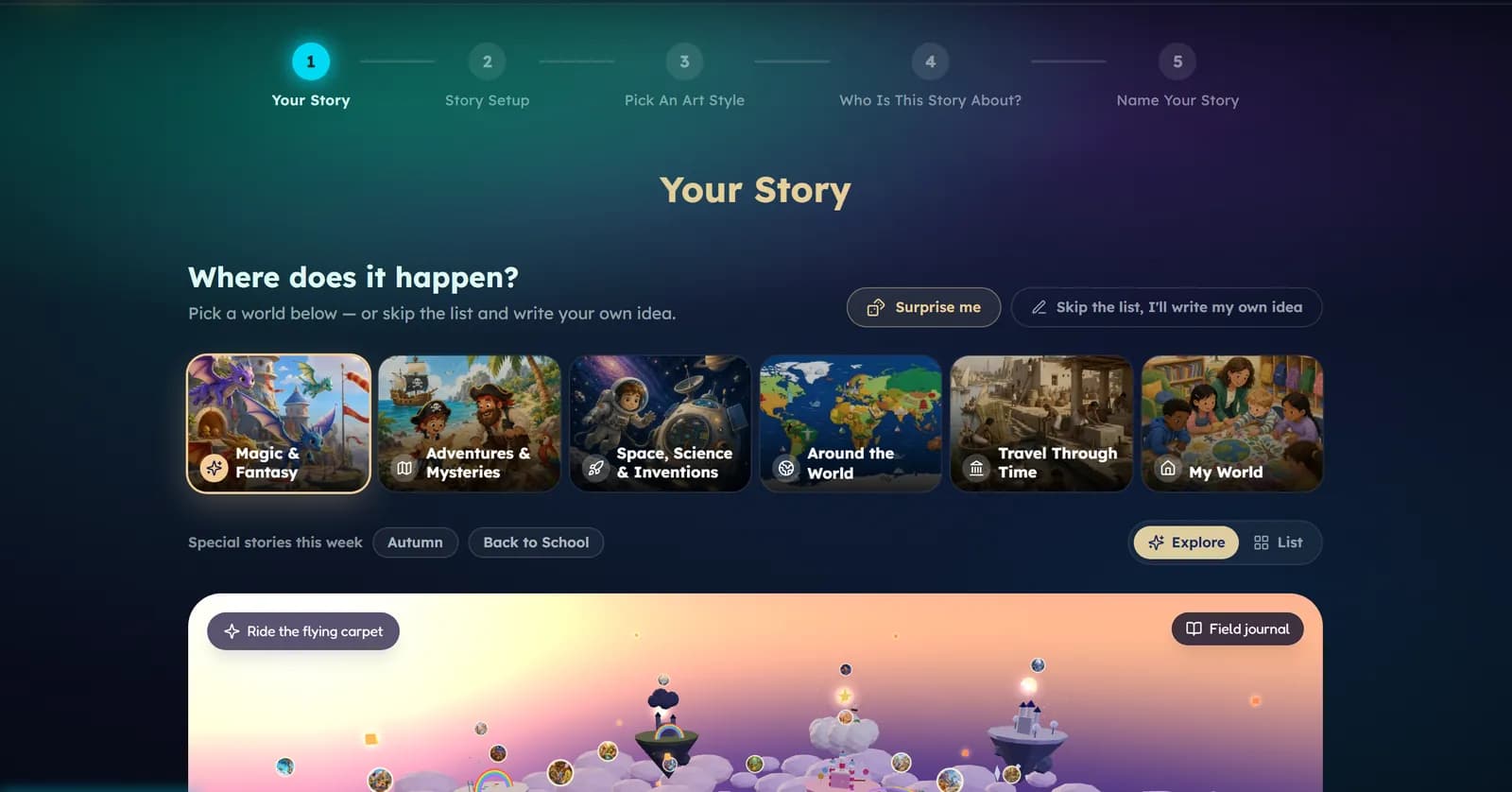
Pick how the story starts and the reading level. The next screens ask Where does it happen? — choose a world, tap Surprise me, or skip the list and write your own idea — and What happens there?, where you can add as much or as little as you like.
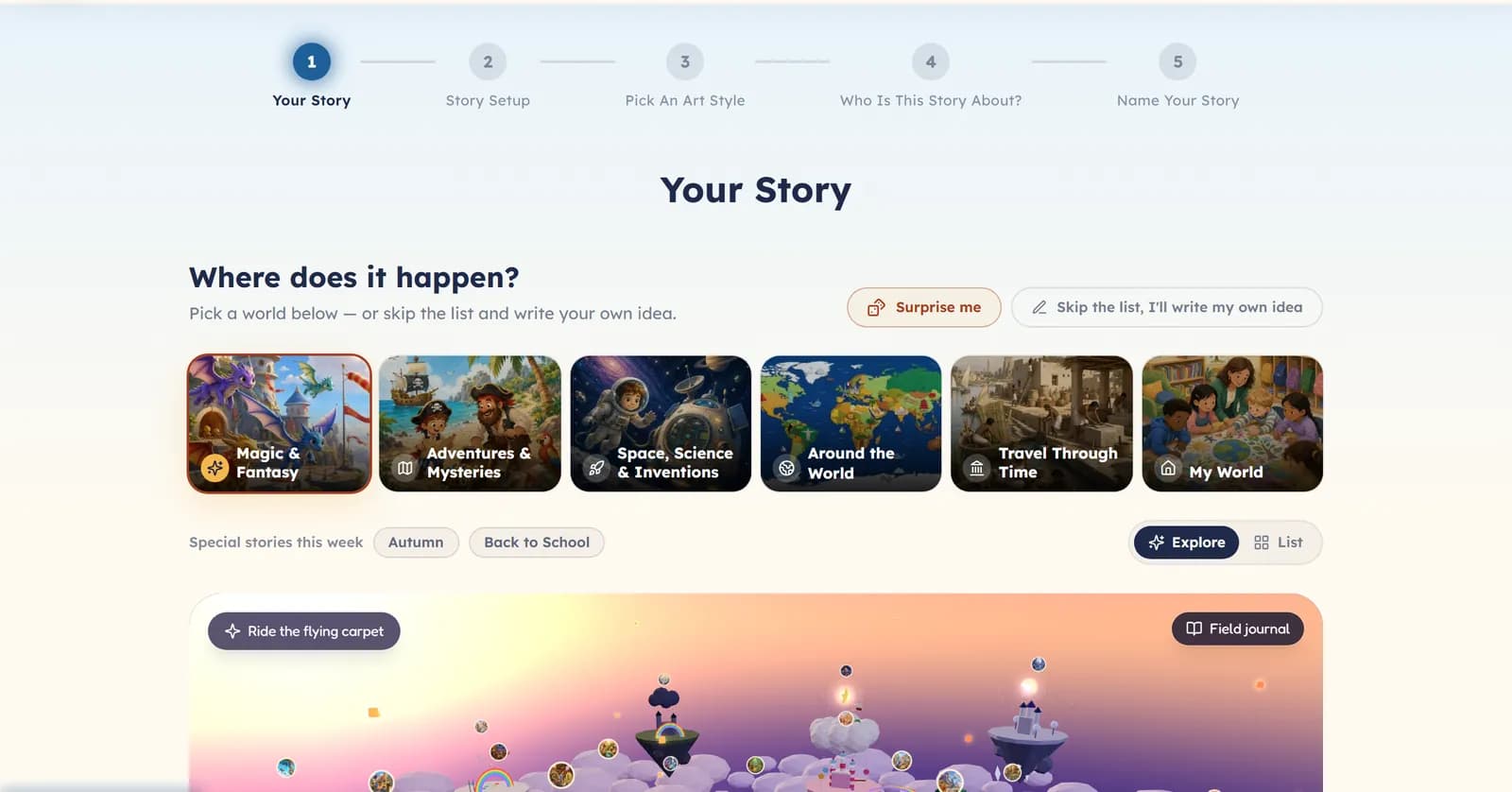
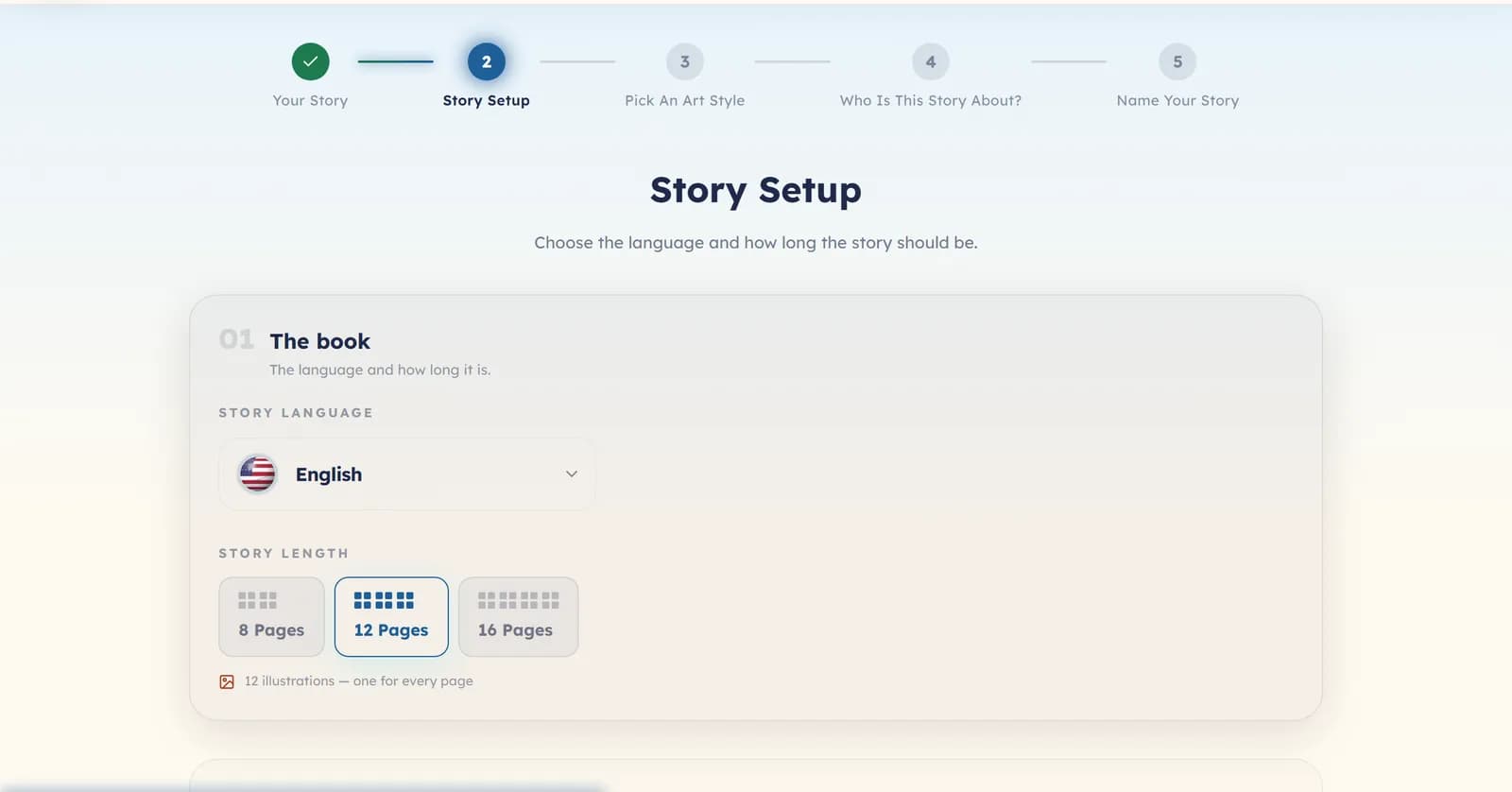
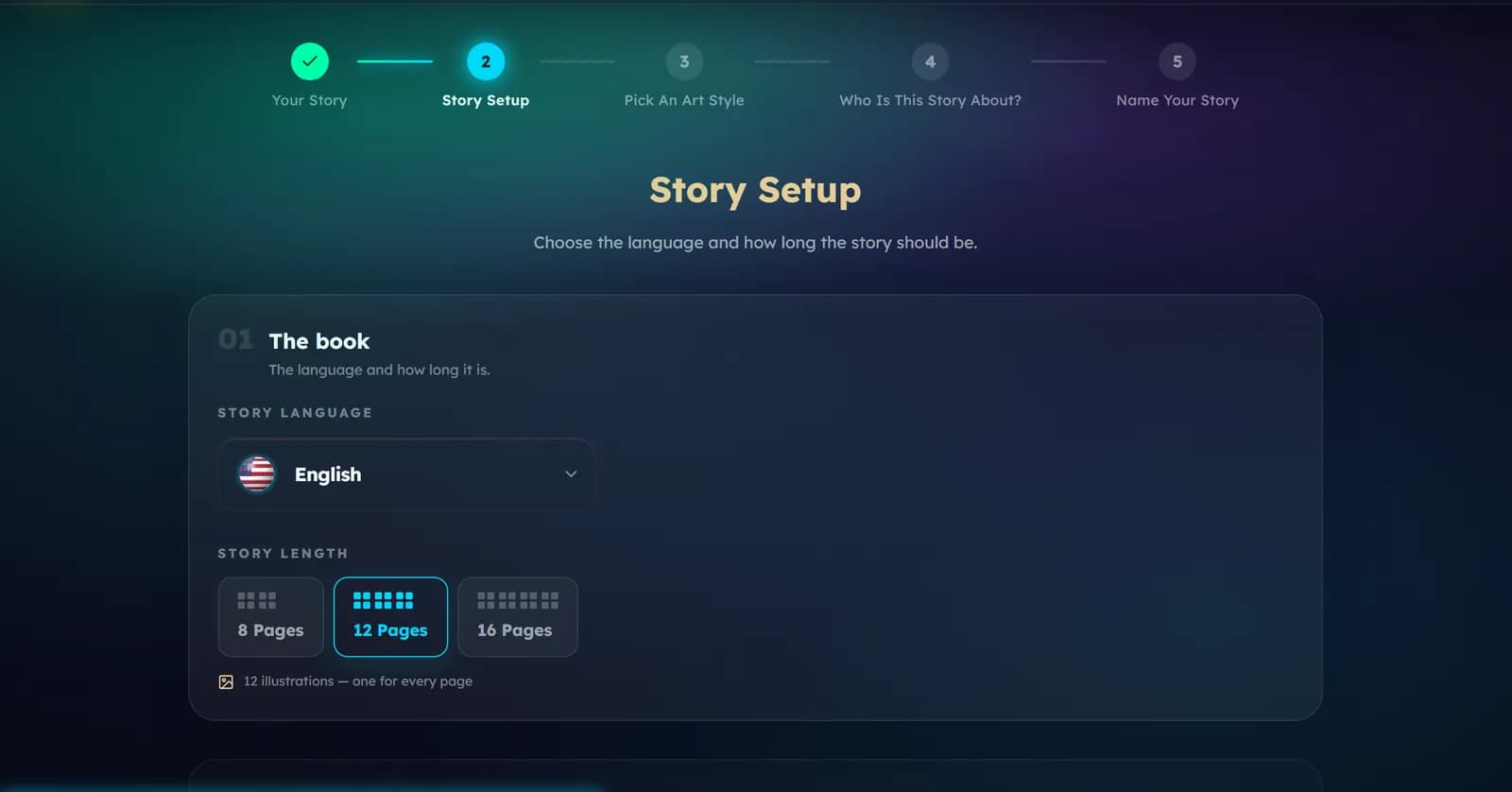
Step 2 — Story Setup
The language, the number of pages, and — under How it reads — the mood and the writing style. Under What else is inside you can add a moral, a quiz or a word list.
Steps 3 to 5 — Look, cast and title
- Pick An Art Style — the look of every picture. Changing it later means making the book again.
- Who Is This Story About? — the characters, and whether any of them should look like a real person.
- Name Your Story — the title on the cover.
After you generate
Generation runs in the background, so you can leave the page. The words come first and wait for you. Read them, edit anything, and choose Looks good — illustrate it when you are happy. You can ask for a fresh version 2 times at no charge, and if you do nothing the story is approved for you after 24 hours. Then the pictures are painted and the book appears in your library.
Was this helpful?
Read next
- Make your first storyThe five steps from an empty page to a finished book, in the order you will see them.
- Four ways to start a storyPeople, Creatures, Real Memory and Your Own Story: what each one is for, and what it asks you for.
- Choosing an art styleHow to pick the look of your pictures, and why the choice never changes the price.