Printing & sharing
Download a print-ready PDF
Make a PDF of any finished book to print at home or at a print shop, and save a book to read offline.
Updated Sep 29, 20261 min read
Any finished book can be made into a PDF that is ready to print. Making the PDF is free. Only the person who owns the book can make it.
Make the PDF
- Open the book and choose the wand button at the top of the reader.
- Choose Print & Export.
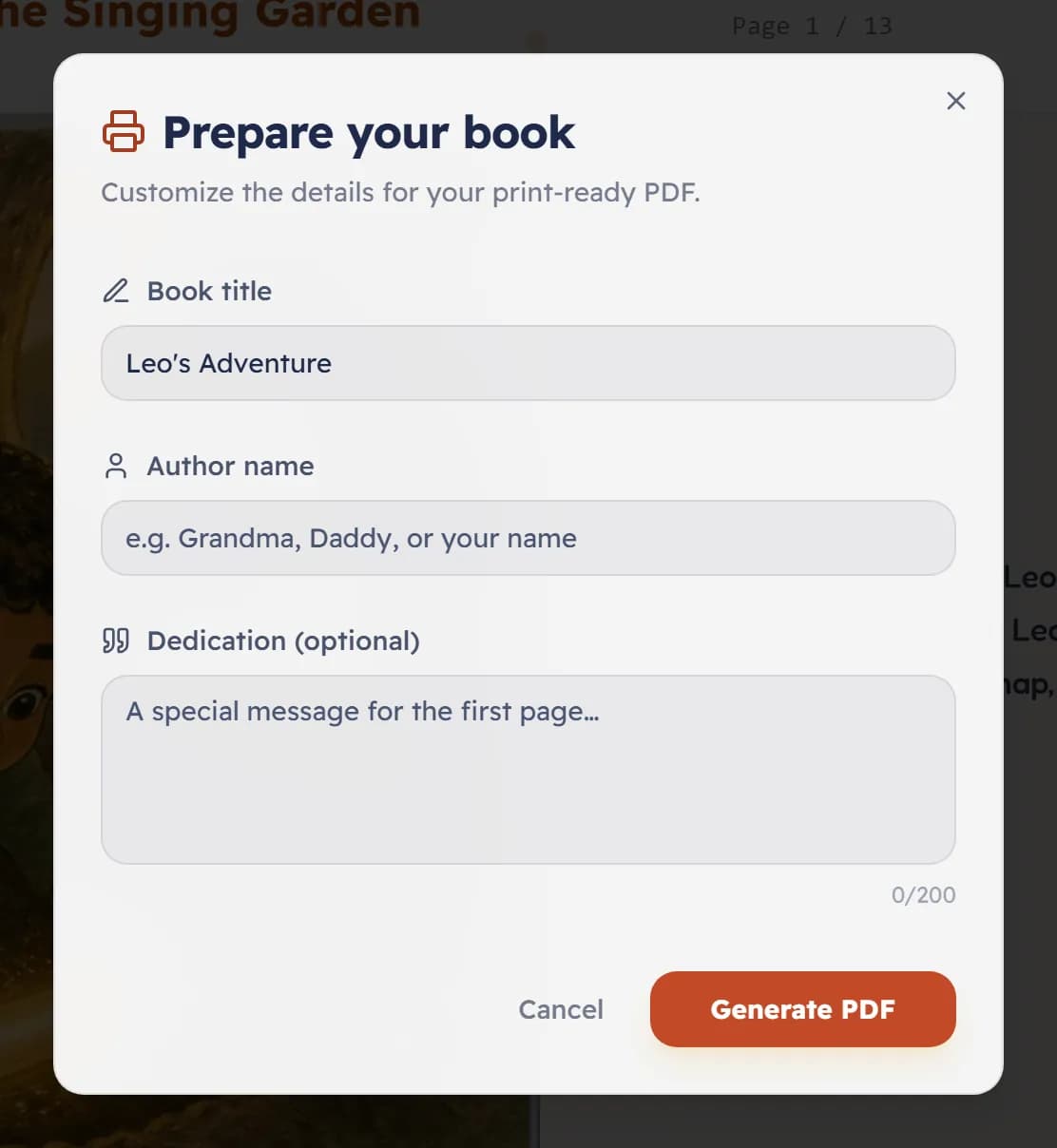
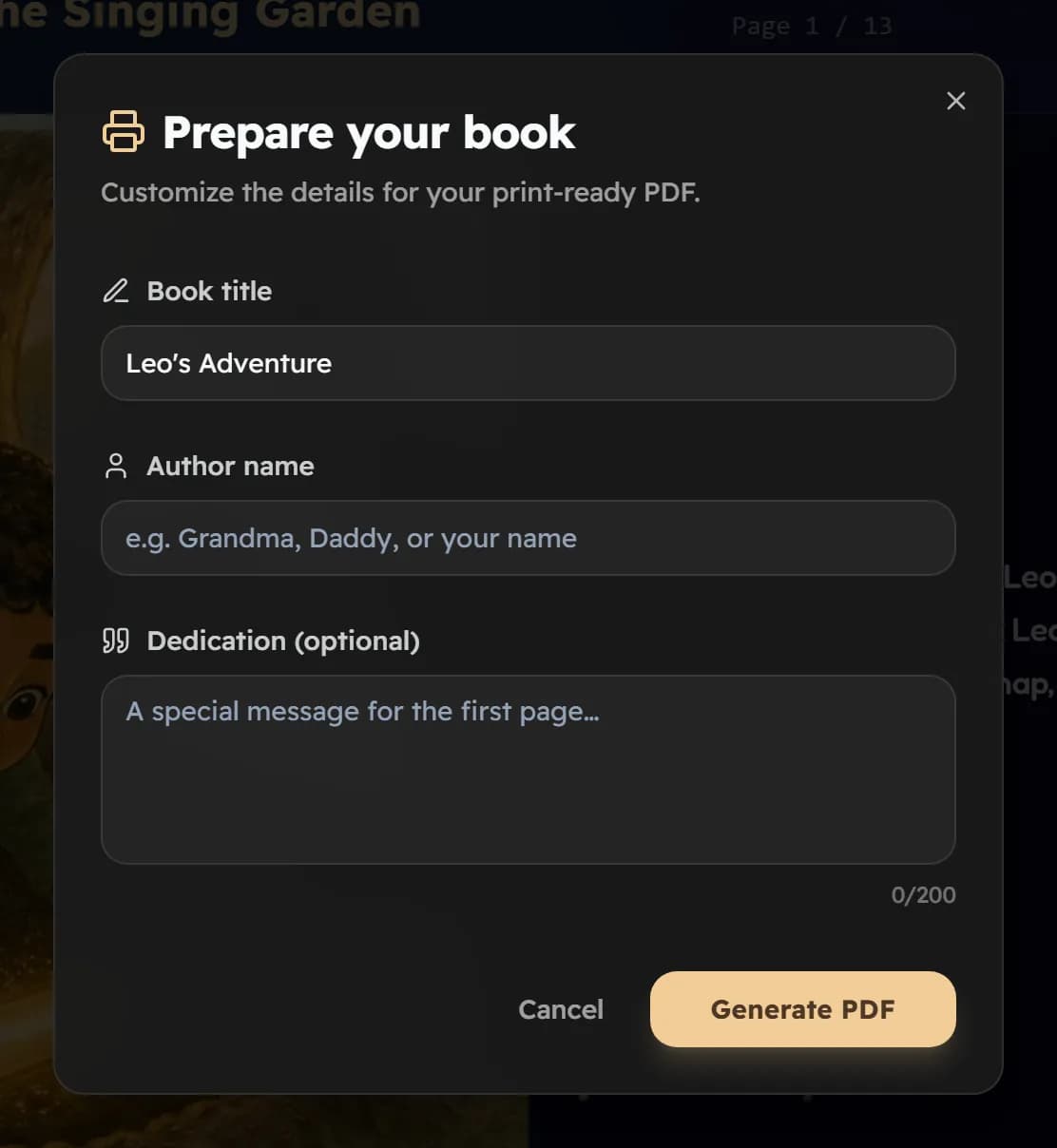
- Fill in Book title, Author name and, if you like, a Dedication for the first page.
- Choose Generate PDF. The file downloads when it is ready.
What is in the file
- The inside pages of the book: a title page, a page for your dedication, the story with each picture facing its text, and The End. If you added a lesson, a quiz or a word list, those are included too.
- A square page, 8.5 inches on each side, with a small extra margin for trimming.
- It does not include a cover. For a book with a cover, order a printed book.
Read offline
Choose Save for offline in the same menu to keep a finished book on your device, with its pictures and any narration. It is for reading without a connection, on the device where you saved it.
Everything you have made
To download a copy of all your account data, go to Settings and choose Export My Data (GDPR).
Was this helpful?
Read next
- Order a printed bookA real softcover or hardcover of your story, posted to your door. What to expect at each step.
- Share a story with familyPrivate, Link Only or Public: who can open a book, and how to send it to grandparents.
- Naming your storyChoose the title yourself or let Lolo suggest one, and decide whose name goes on the cover.