Making a story
Characters, photos and Face Match
How to put your child in the story, keep them looking like themselves on every page, and add siblings or a pet.
Updated Sep 29, 20262 min read
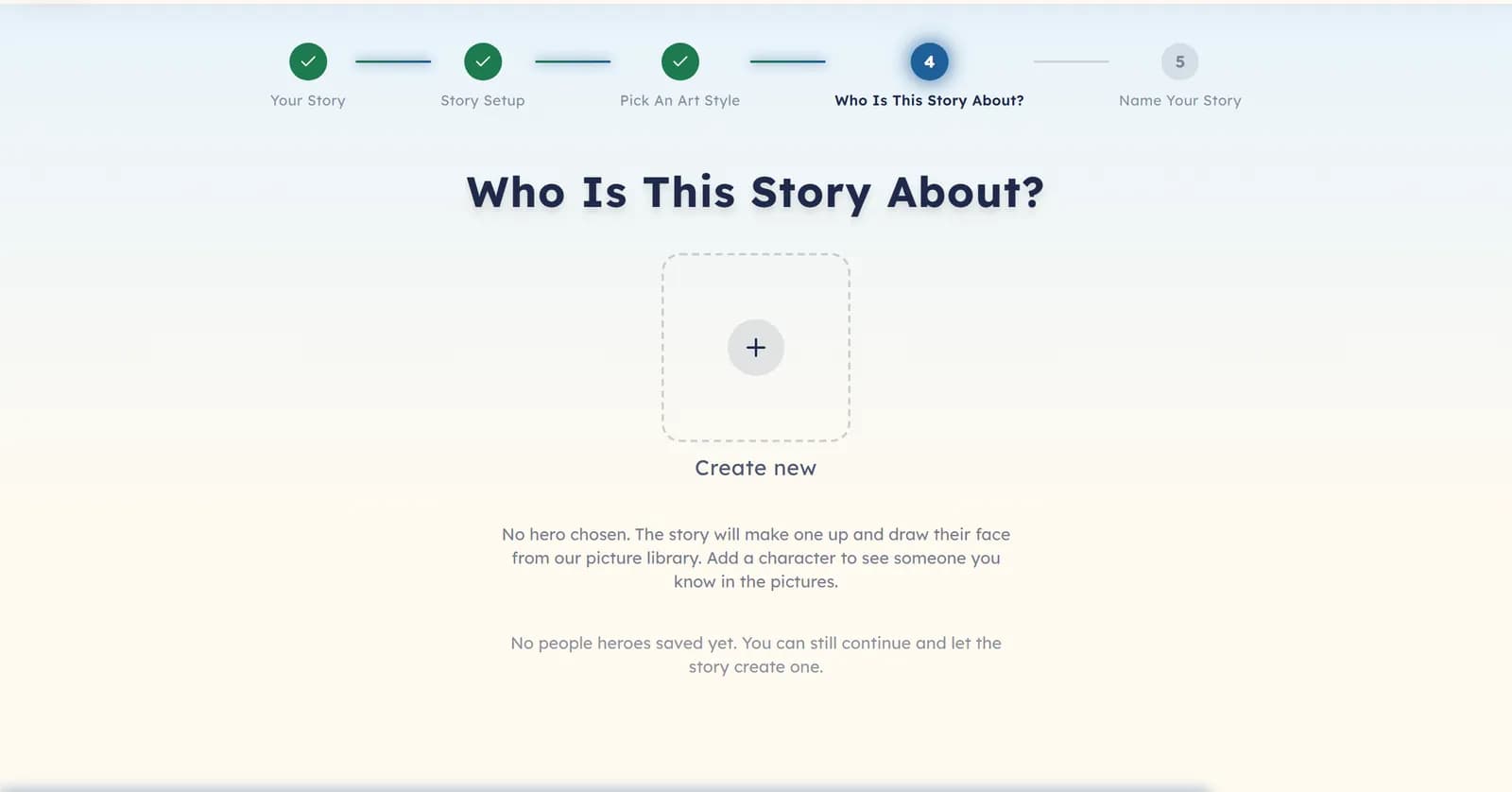
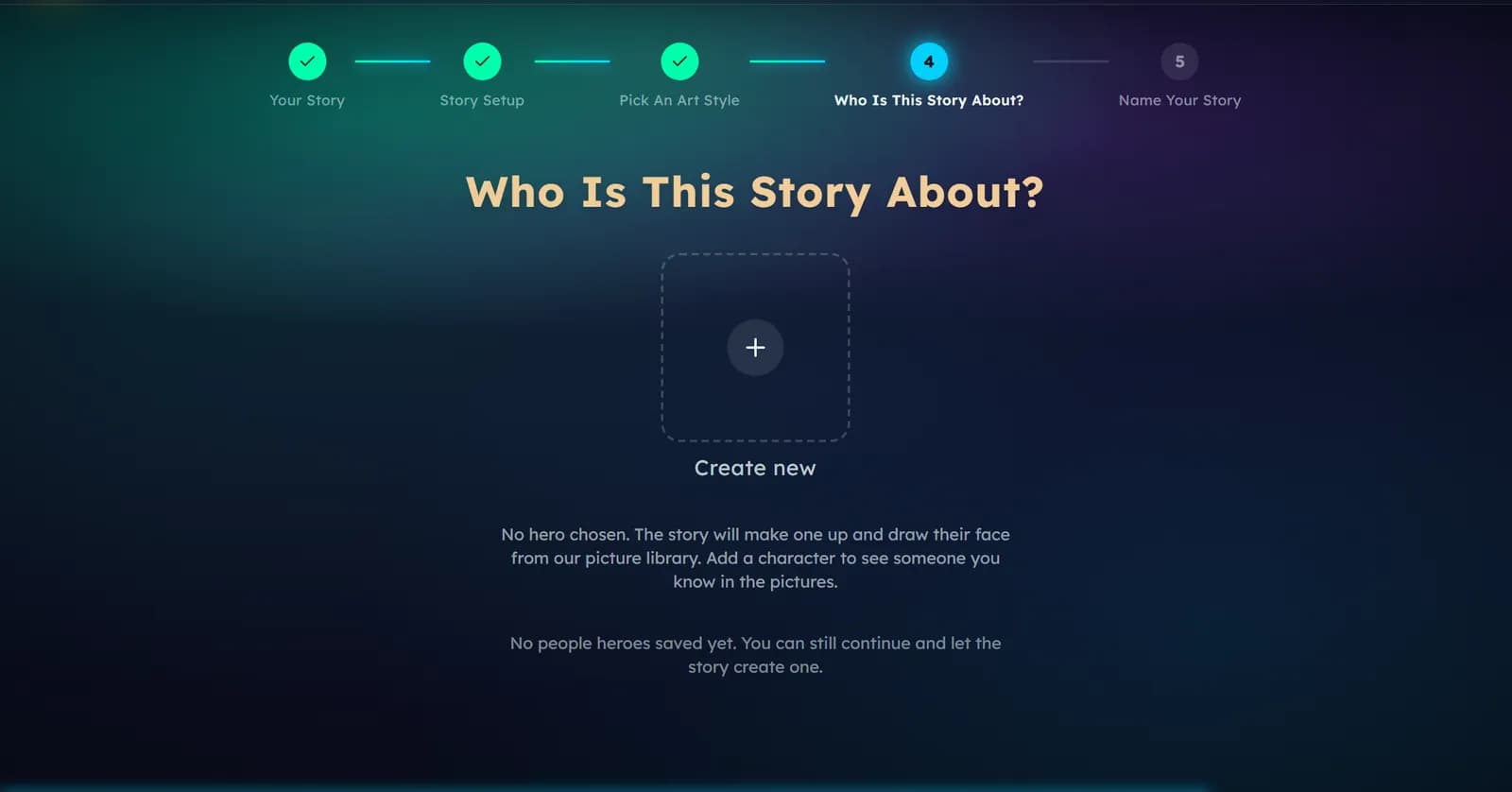
The Who Is This Story About? step is the cast. Choose someone you have already made, or choose Create new.
Make a character
In the character editor you give a name, an age and a short description. Add a photo if you want the character to look like a real person. A saved character is kept, so you can put them in the next book without starting again.
Face Match
Face Match keeps a real person’s likeness in every illustration. Turn it on when you add a photo. It works for up to two characters in one book, and the counter on the cast step shows how many you have used.
Siblings, friends and pets
Add them as more characters. Each character after the first adds 1 coin to the book, and up to four people can be in the cast. They appear by name and look the same on every page.
Characters the story invents
If the story needs a character you did not add — a shopkeeper, a grandmother, a talking fox — it invents one, and gives them a new face for that book. The review step shows you the whole cast before any page is painted.
Work through it
Start at the top — the checks are ordered by what is most often the cause.
The hero does not look enough like your child
Add a photo and turn on Face Match when you create the character. The pictures are then built from that face, instead of being imagined fresh for each page.
Open the create pageThe hero changed between pages
This happens when an outfit or a hair detail is described differently in different places. Editing the character and making the book again is the reliable fix. Re-drawing a single page can drift again.
You do not want to upload a photo
You do not have to. Describe your child instead — hair, clothes, things they love — and the character will be drawn from that description. It will look like a child of that description, not like a photograph.
Was this helpful?
Read next
- Four ways to start a storyPeople, Creatures, Real Memory and Your Own Story: what each one is for, and what it asks you for.
- A photo could not be uploadedThe photo types and sizes we accept, and what to do with a phone photo that is too large.
- Set up profiles for your childrenOne parent account, a reader profile for each child, and how to keep a child inside their own part of the app.