Reading & narration
Listen to a story: narration
How to order a narrated reading, what it costs, and how the voices are chosen.
Updated Sep 29, 20261 min read
A finished book can be read aloud. Narration is ordered when you want it, not made automatically, and it costs 1 coin for each page, in every language. A book with no audio yet is completely normal.
Order narration
- Open the book in the reader. Only the person who owns the book can order narration.
- Choose Listen to story in the row of controls under the book. The coin price is shown on the button.
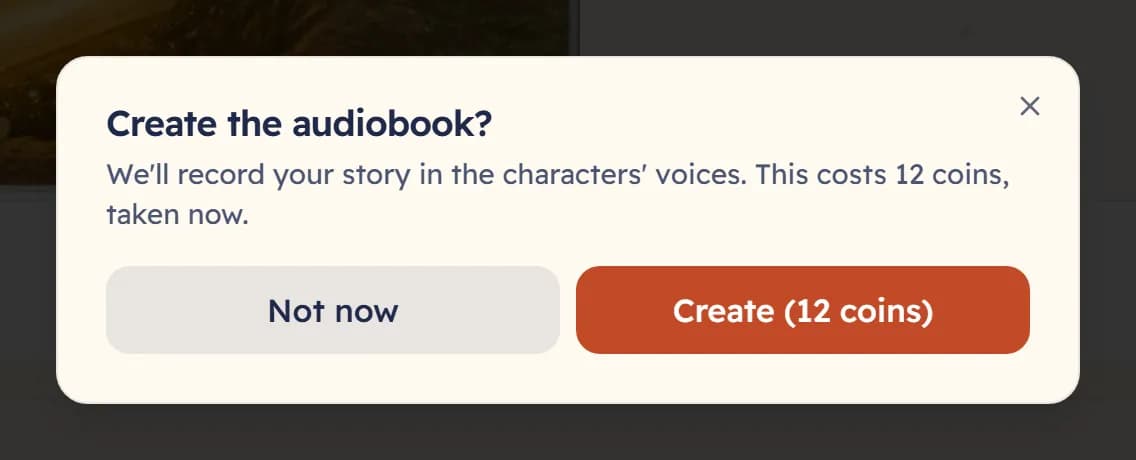
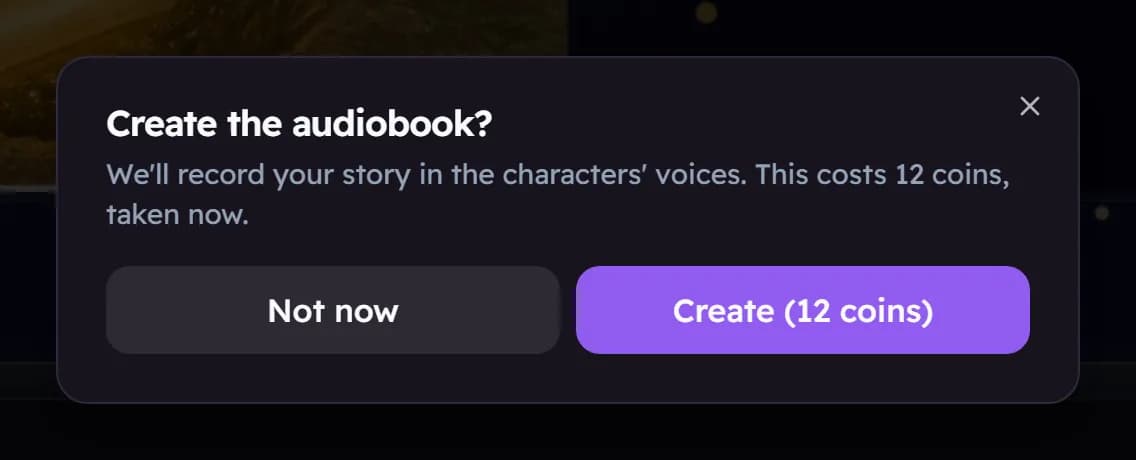
- Read the confirmation, Create the audiobook?, and choose Create to pay. Choose Not now to close it without paying.
The voices
Each character in the story is given their own voice, and a narrator reads the rest. The voices are chosen for you — there is no voice list to pick from.
While it plays
- The playback controls let you pause, change the speed, and set a sleep timer.
- Continuous narration is on by default, so the pages turn by themselves while it reads.
- If you edit a page after ordering, that page’s narration is cleared and needs to be made again.
Was this helpful?
Read next
- Sounds, the sleep timer and reader settingsQuiet background sounds, a timer that stops the narration, and settings for text size and easier reading.
- Narration will not playA book with no audio is normal. Here is what to check when you ordered it and hear nothing.
- How coins workCoins pay for books. Here is where they come from, where you see them, and why they never run out on you.