
Reading & narration
Sounds, the sleep timer and reader settings
Quiet background sounds, a timer that stops the narration, and settings for text size and easier reading.
Updated Sep 29, 20261 min read
Three small things make a book easier to settle down with. They are all in the reader.
Background sounds
The Sounds button under the book plays a soft background bed that matches the story. It is off until you turn it on. When it is on, a volume slider appears. It works with or without narration, and it keeps playing until you turn it off.
Sleep timer
On the narration controls, the sleep timer stops the narration after 5, 10 or 15 minutes. It stops the voice, not the background sounds.
Reader settings
Choose the wand button at the top of the reader, then Reader settings.
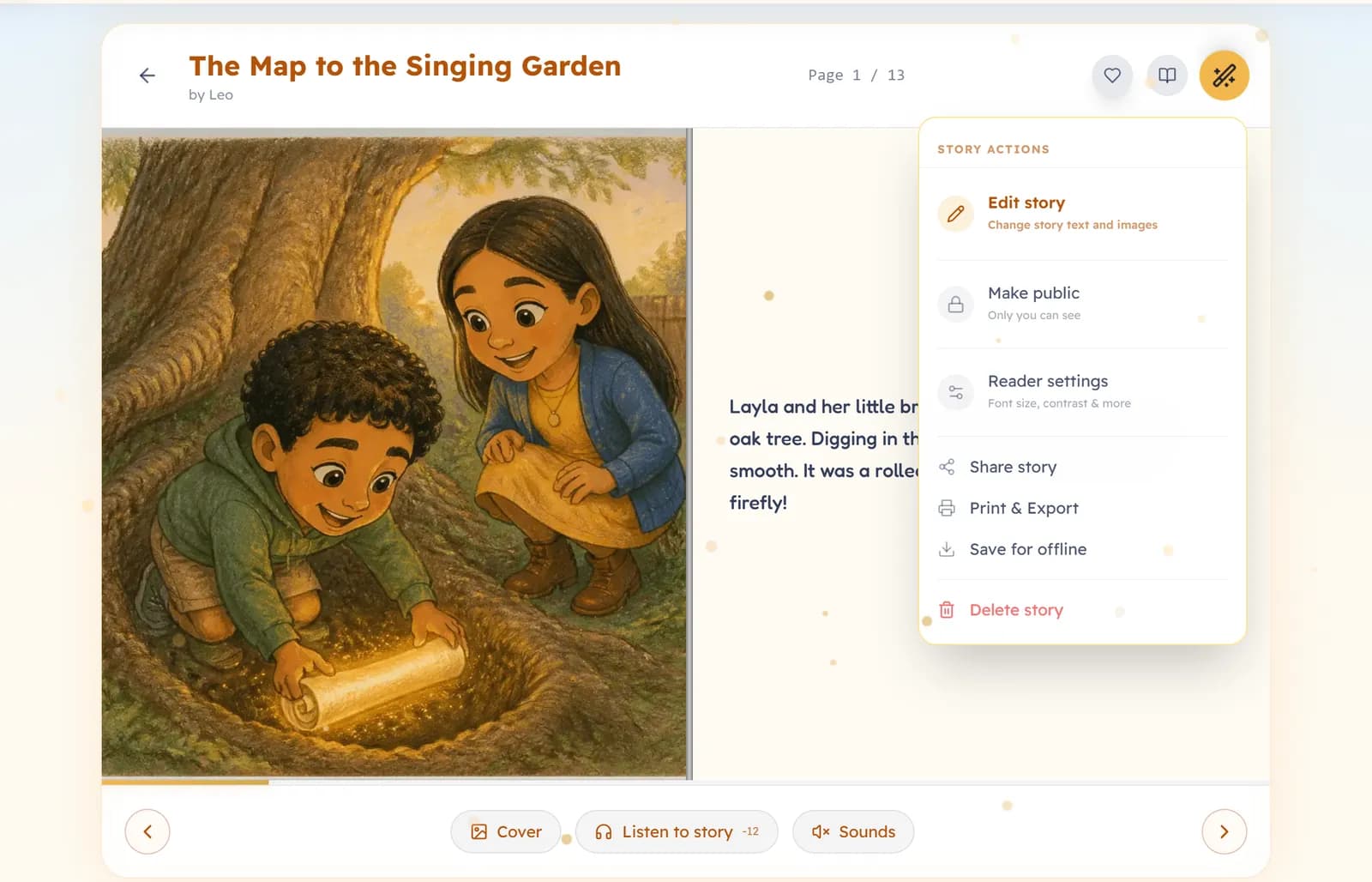
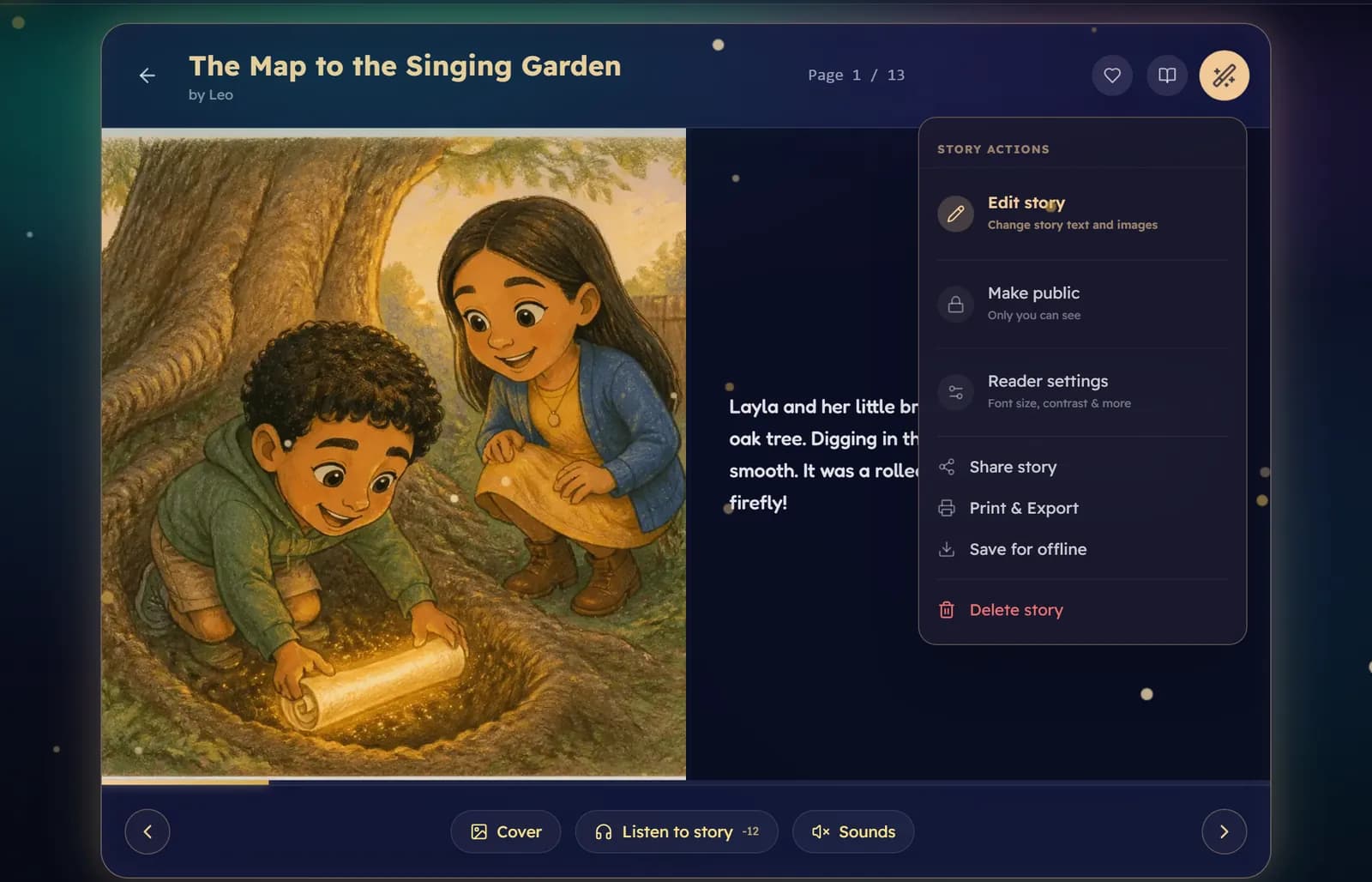
- The size and style of the text, including a font made easier for dyslexic readers.
- High contrast, for easier reading in bright light.
- Focus mode, which hides the controls after a few seconds so only the book is left.
Was this helpful?
Read next
- Listen to a story: narrationHow to order a narrated reading, what it costs, and how the voices are chosen.
- Reading views and turning pagesSix ways to read a book, how to turn pages, and what waits at the very end.
- Download a print-ready PDFMake a PDF of any finished book to print at home or at a print shop, and save a book to read offline.