Start here
Make your first story
The five steps from an empty page to a finished book, in the order you will see them.
Updated Sep 29, 20261 min read
Open Create a story from the menu. The wizard has five steps along the top, and each one asks for one thing. You can go back to any step before you generate.
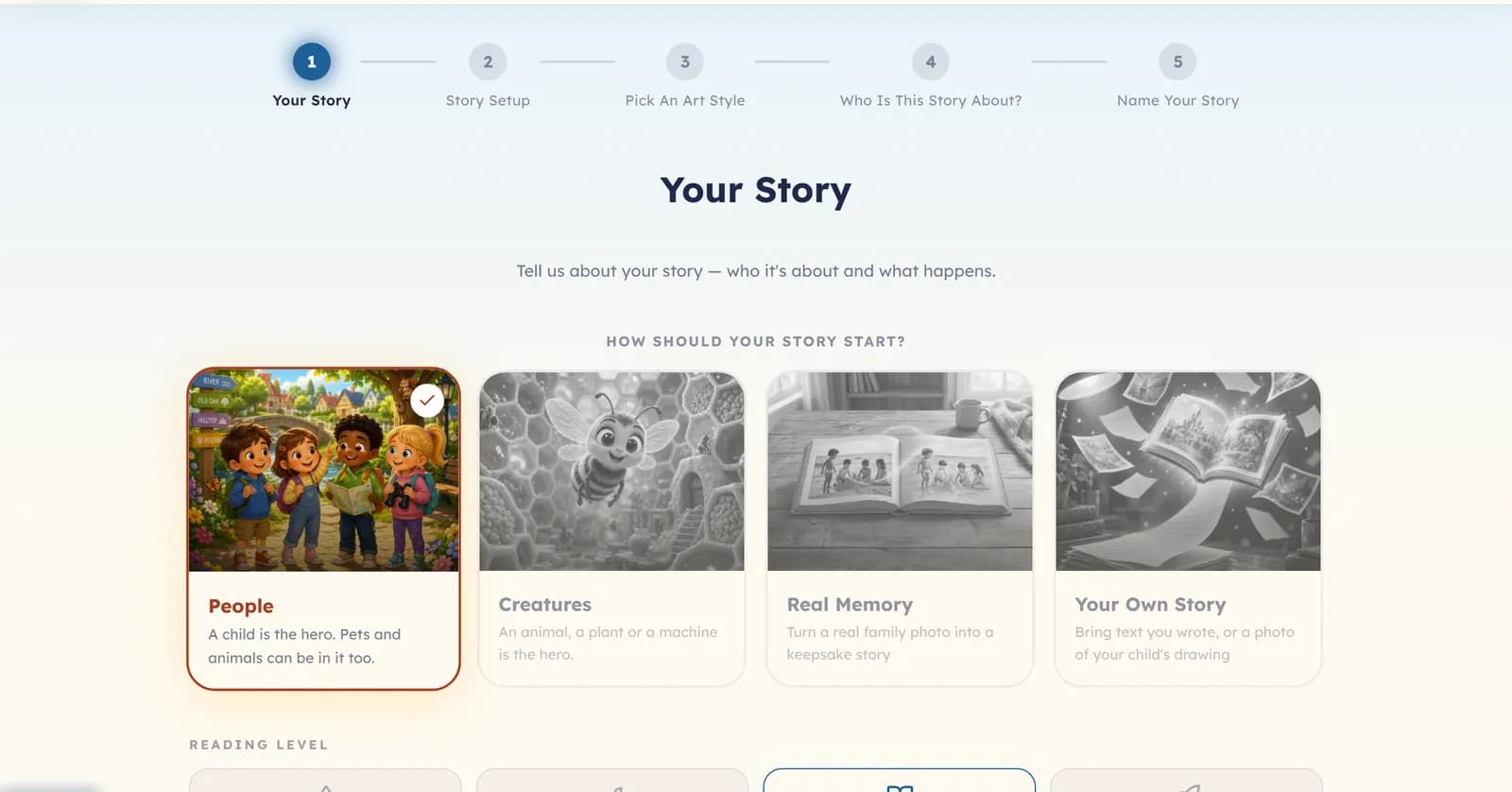
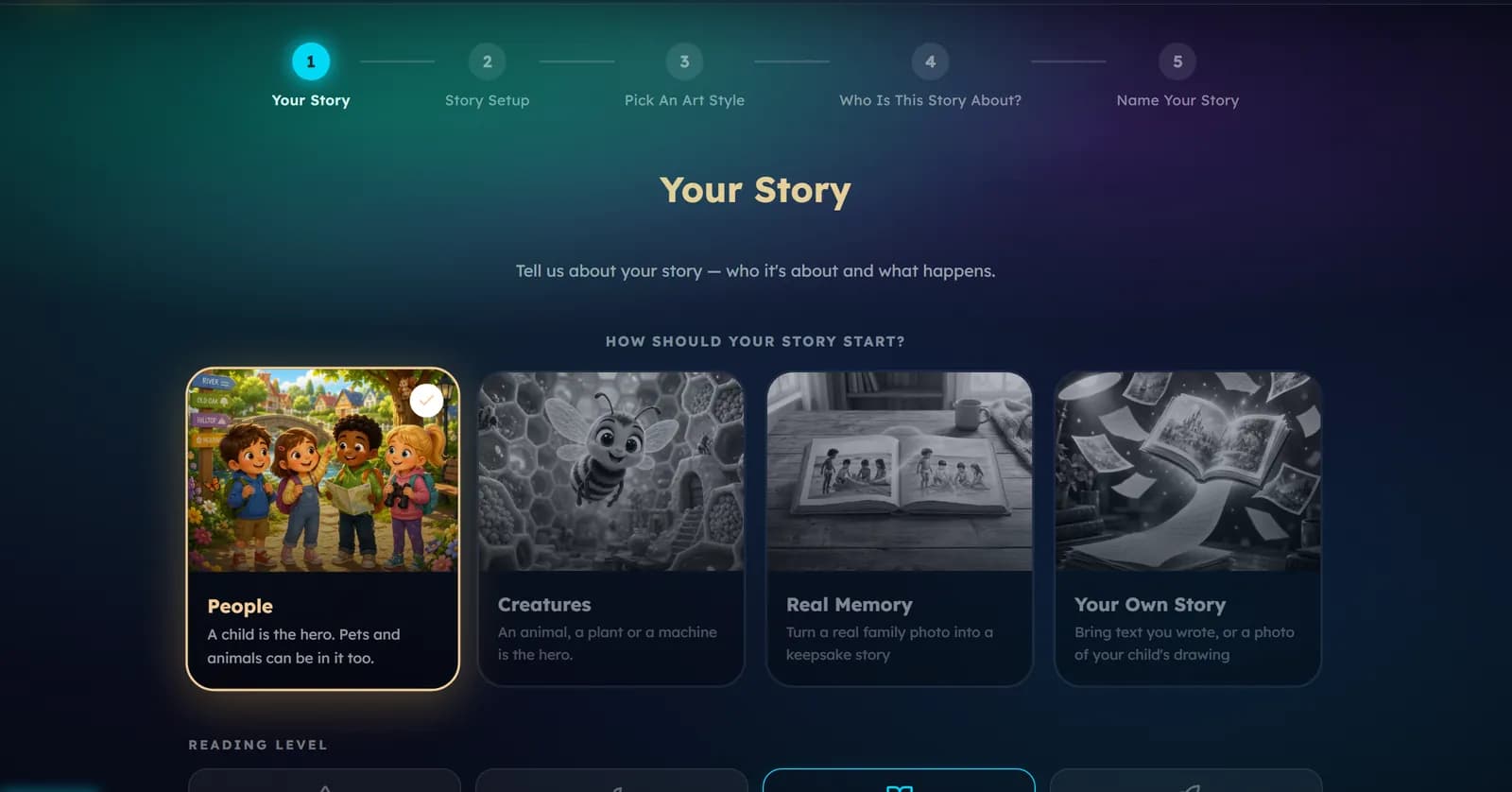
- Your Story — choose how it starts (People, Creatures, Real Memory, or Your Own Story), then a reading level, then the world it happens in and what happens there.
- Story Setup — the language, the length of the book, and how it should read (funny, cosy, rhyming).
- Pick An Art Style — the look of every picture.
- Who Is This Story About? — the cast. Add your child, a sibling, a friend or a pet, or let the story invent someone.
- Name Your Story — let Lolo suggest a title, or write your own.
On the last step, press the button that says Generate followed by the number of coins. A short confirmation shows the price once more. Nothing is charged before you confirm it.
Was this helpful?
Read next
- A tour of the story wizardWhat each step controls, so you know which one to go back to when something is not quite right.
- Four ways to start a storyPeople, Creatures, Real Memory and Your Own Story: what each one is for, and what it asks you for.
- Characters, photos and Face MatchHow to put your child in the story, keep them looking like themselves on every page, and add siblings or a pet.